Stellar Motion Studio
Create motion that works on any robot.
Configure tools, manage poses, and build consistent motions with real-time visibility of all joint, pose, and tool values.
Why Stellar Motion
Studio?
Most motion editors are small extensions built inside a controller and feel limited from the start.Stellar Motion Studio is a complete browser-native environment designed for creating, testing, and running robot motion with clarity and consistency.
Browser-native
Works entirely in the browser. No installation, no pendant, and no setup overhead. You can jog, monitor, and adjust motion directly from desktop or mobile.
Seamless workflow
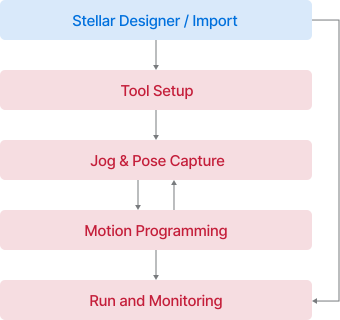
Tools, poses, and motion all stay in one continuous workspace. There is no need to switch environments, export data, or redo configurations.
Safe and predictable
Built for reliable execution with real-time monitoring. Pilot and Observer roles help prevent conflicting actions and keep every movement controlled.
A studio built for motion
Set up tools, capture poses, and build motions fast. Everything is ready to hand off to any upper controller.
The New Standard for Robot Motion.
Traditional motion editors are rigid and controller-bound. Motion Studio gives developers a modern, browser-native environment for writing, testing, and running motion with clarity.
Traditional Controller
Stellar Designer
Accessibility
Pendant-based or local installation
Browser-native workspace, mobile jog support
Workflow
Fragmented menus, split between teach pendant & PC tools
Unified workspace with clear flow across setup, poses, and motion
Clarity
Status buried in alarms or separate screens
Live state panel with Pilot/Observer roles
Motion Logic
Vendor-specific languages and limited tooling
Python-based motion programming, upstream-ready
Testing & Validation
Test mostly on hardware
Virtual test environment before hardware
Tools
Set tools in seconds.
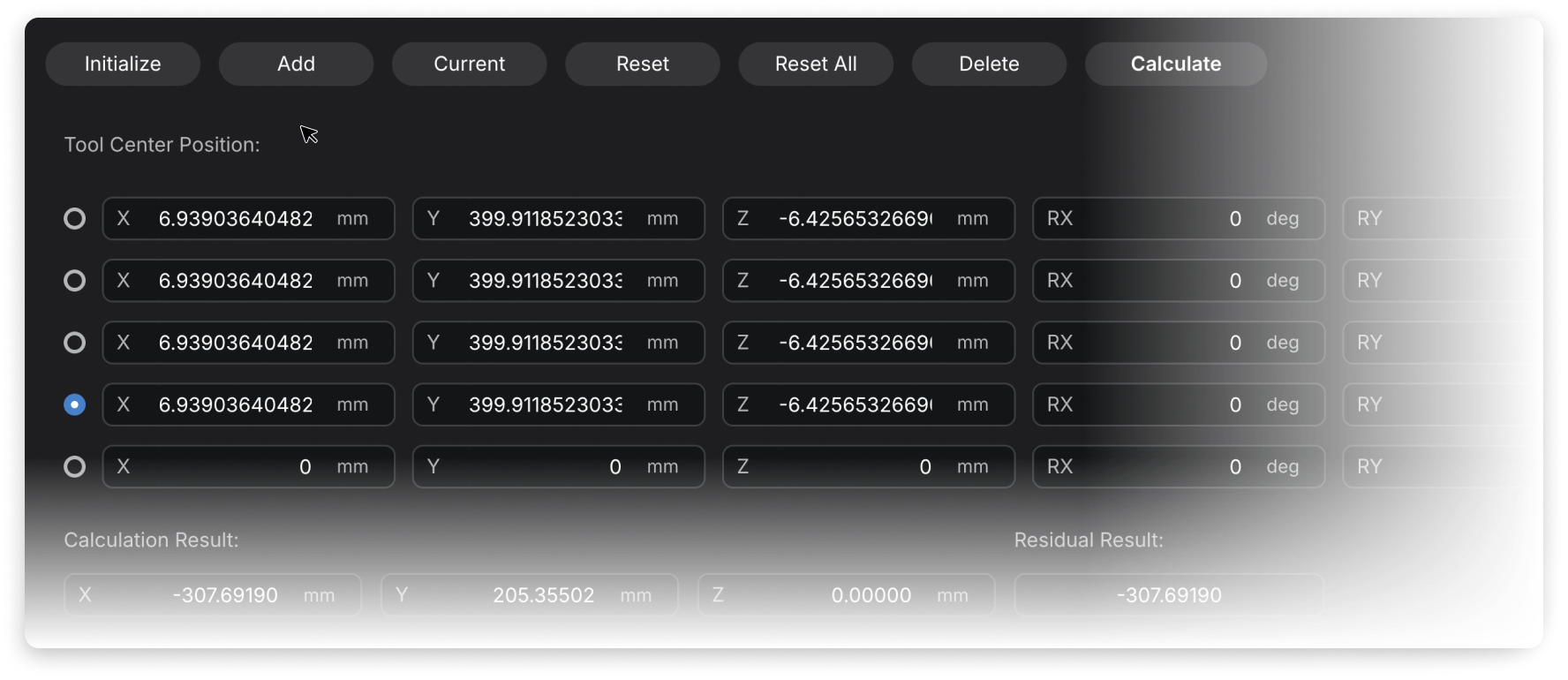
Auto-compute TCP and payload. Tag and swap tools instantly.
Quick setup
Built-in calculators define TCP and payload in seconds—no spreadsheets, no guesswork.
Smart tag
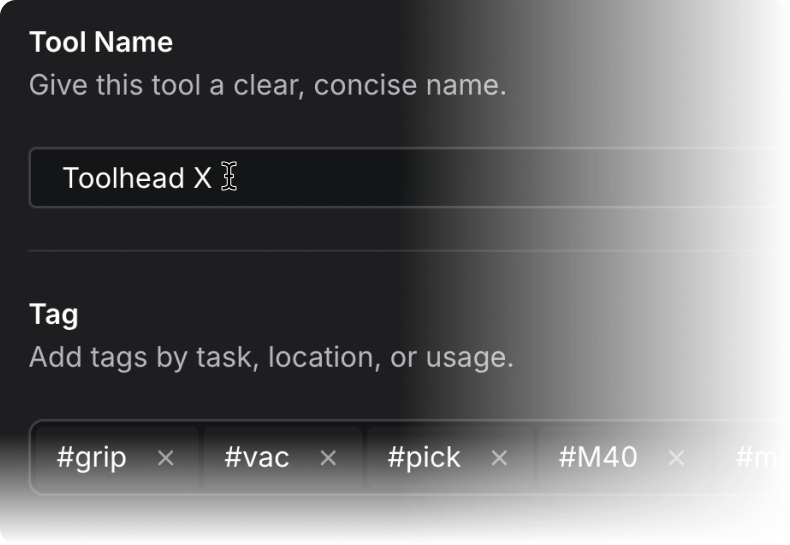
Organize tools effortlessly with smart tags, making search and filtering instant.
Instant swap
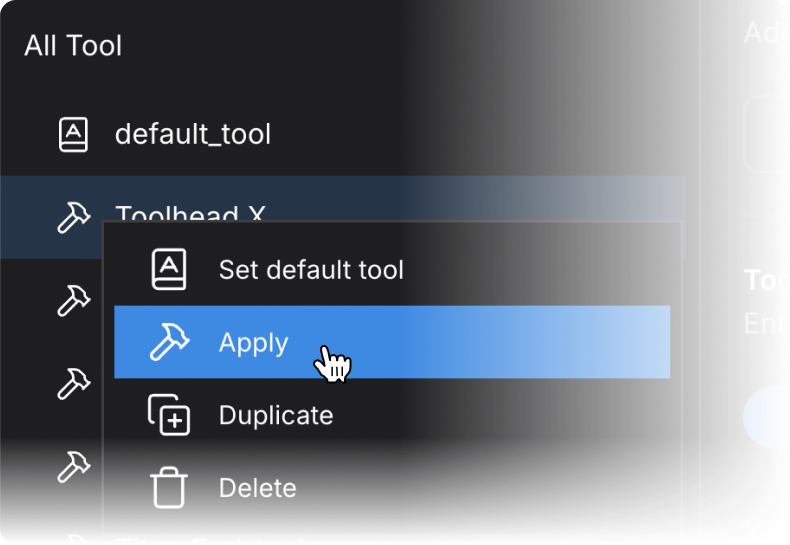
Switch between multiple tools instantly without reconfiguration. Your workflow stays smooth and uninterrupted.
Jog and Teach
Teach with ease
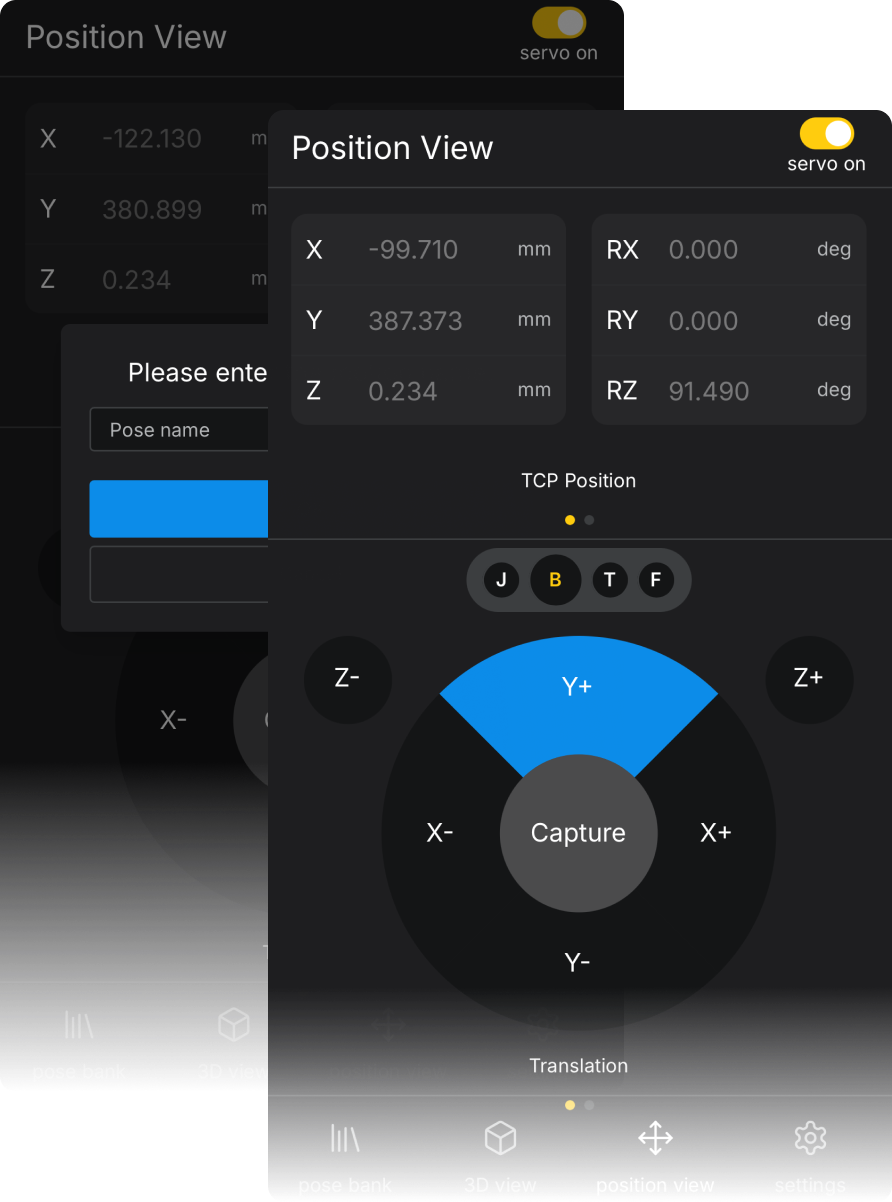
Jog in multiple modes, capture poses instantly, and manage them with tags—on desktop or mobile.
Home & test
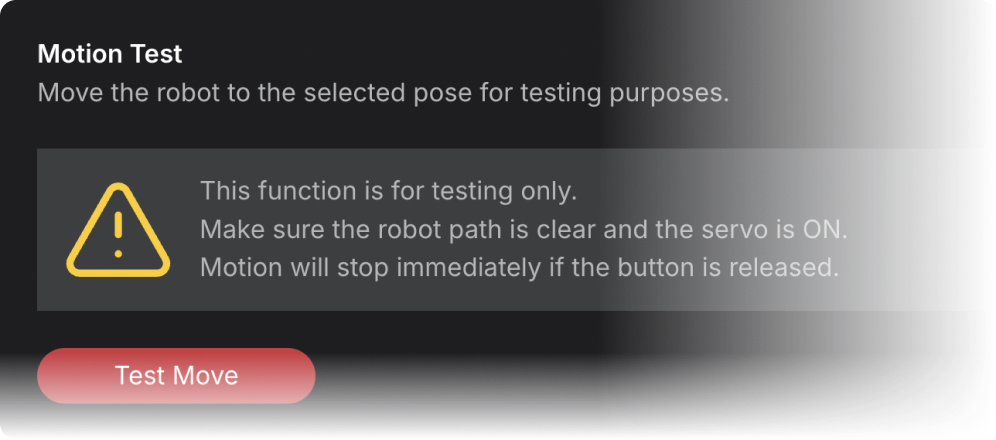
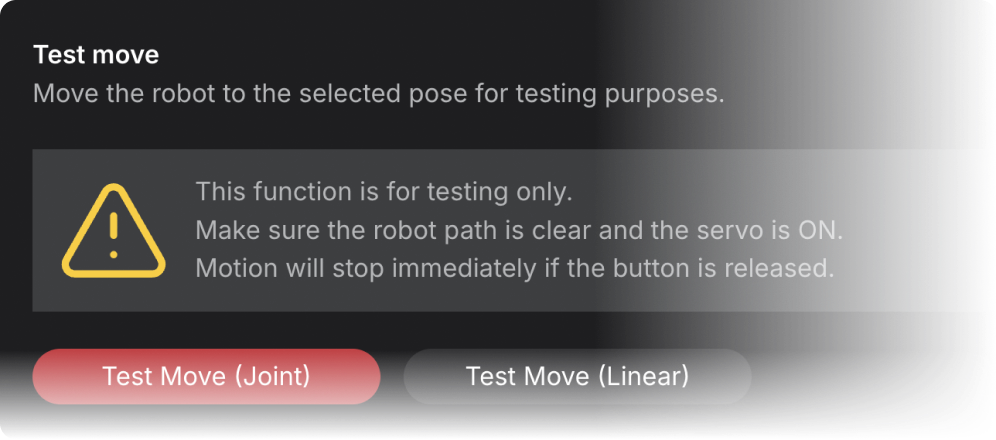
Return safely to a defined home pose or test any saved pose with built-in safety controls for reliable playback.
Smart copy
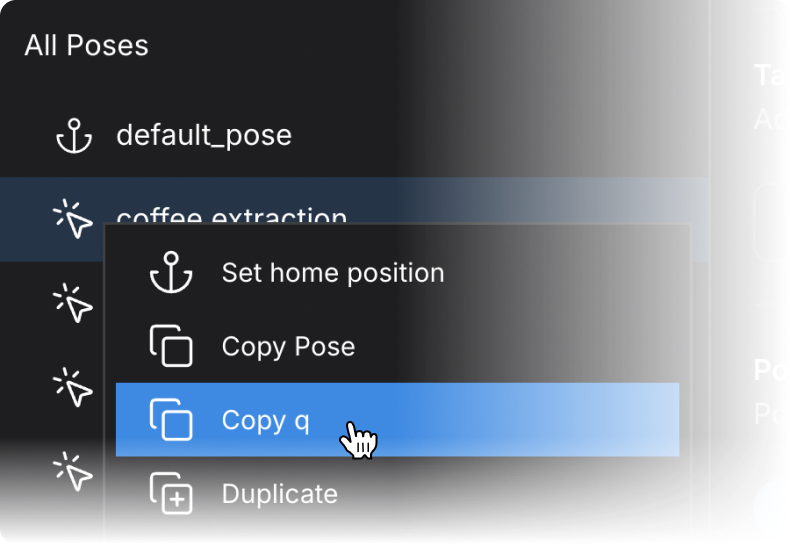
Copy pose data or joint values directly from the Pose Bank for fast, reusable motion development.
Flexible jog anywhere
Jog in Axis, TCP-base, TCP-tool, or Free-Drive mode on desktop, with a touch-optimized interface available on mobile.
Motion
From code to motion
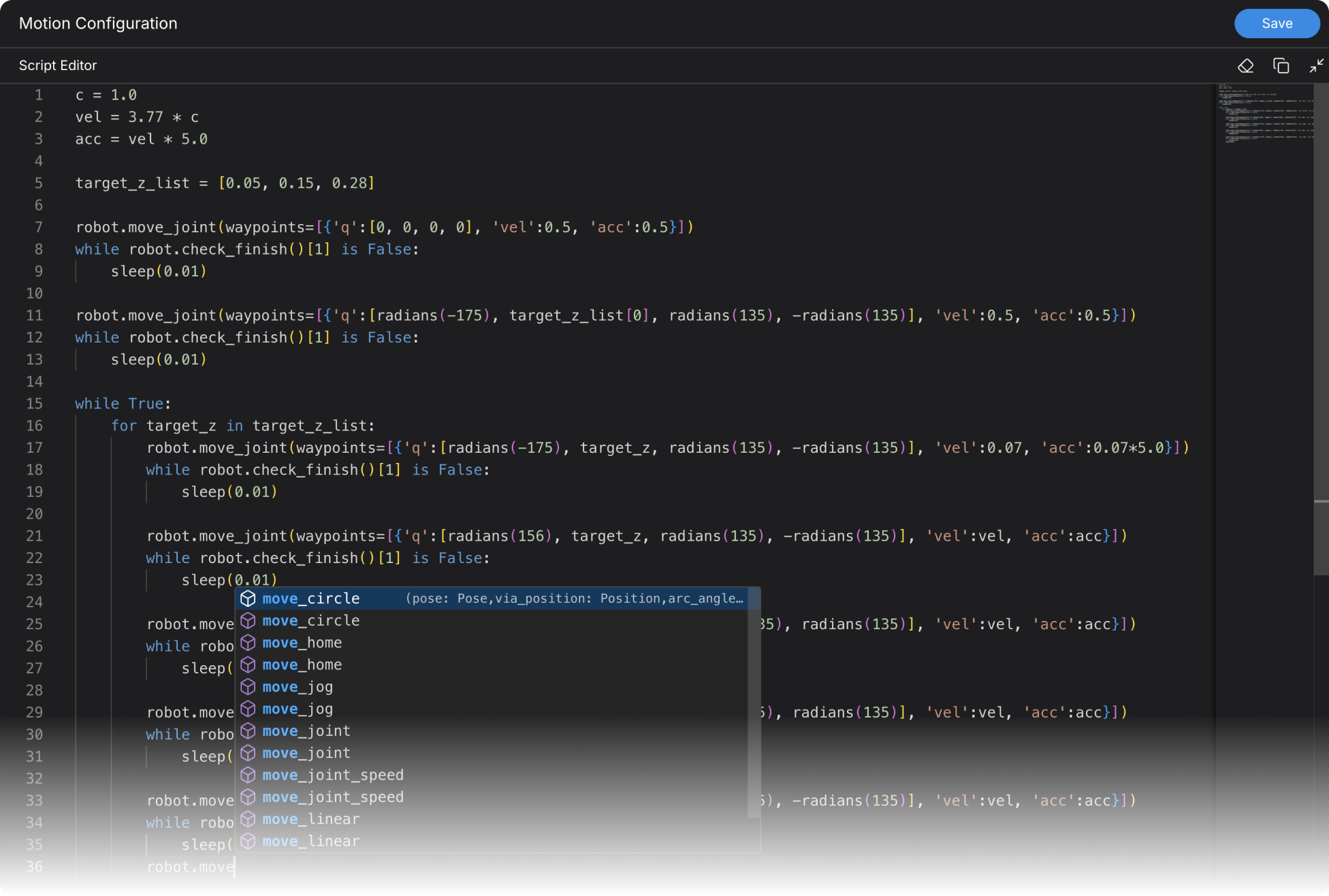
Write motion logic in Python, tag it, and dry-run safely before going live.
Developer-first
Write motions directly in Python, giving you full flexibility to script complex behaviors, build custom routines, and integrate advanced logic—exactly the way developers expect.
Live test
Execute your motion code on the robot instantly with the built-in Test action.
Load & Share
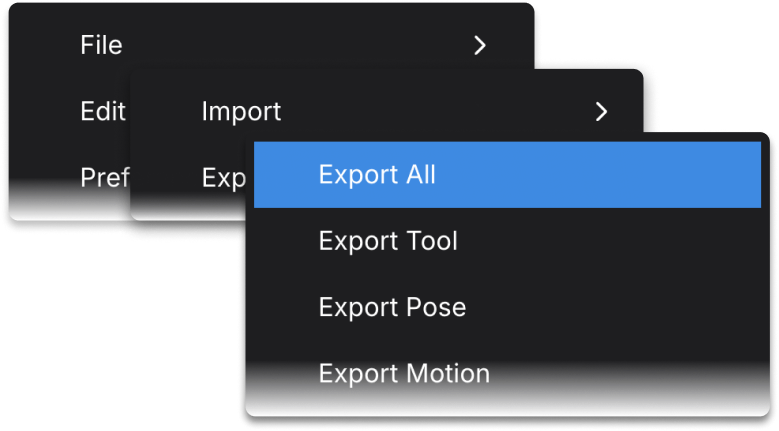
Load saved motions or share Studio packages for easy reuse and team collaboration.
Running and Monitoring
Run it your way, see everything live.
Test motions in Manual, speed up in Auto, or connect through Remote—always with full real-time visibility into every robot state.
Unified panel
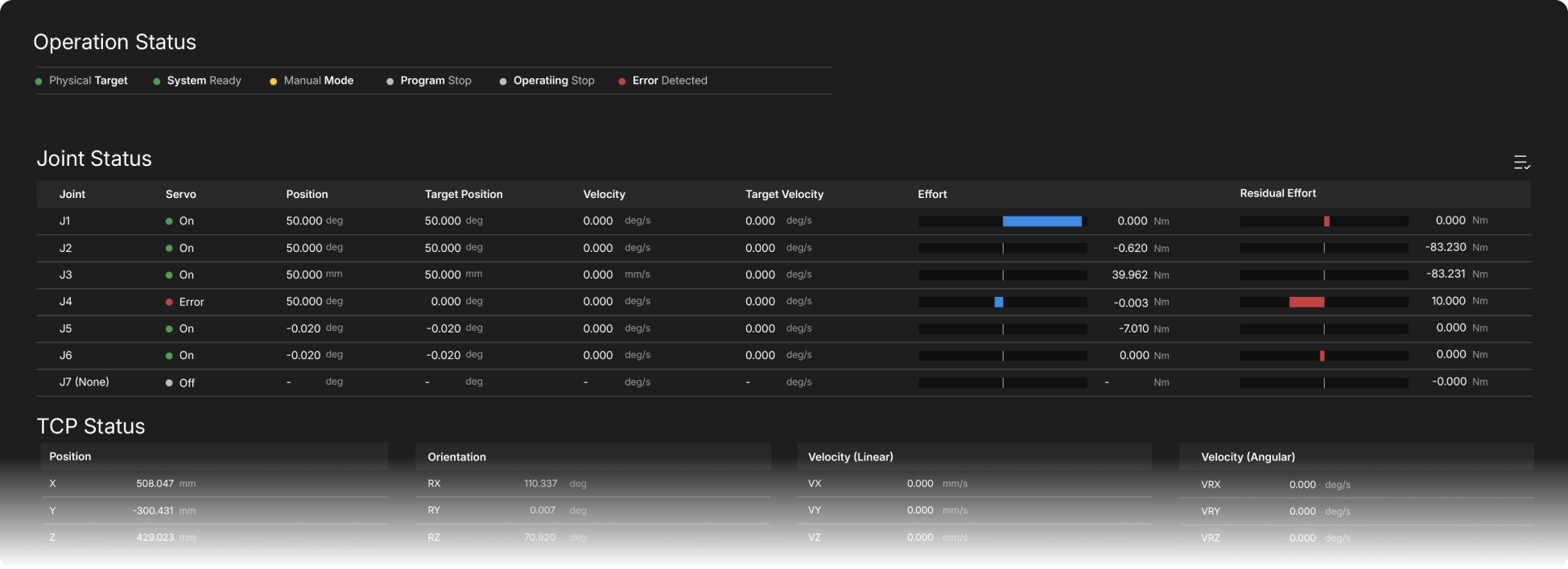
Monitor joints, TCP, tools, and overall system status in one unified panel, giving you complete real-time insight into every state and enabling faster, more confident decision-making during operation.
Local run
Run motions safely in Manual for step-by-step testing, or switch to Auto for continuous execution at production speed.
Safe roles
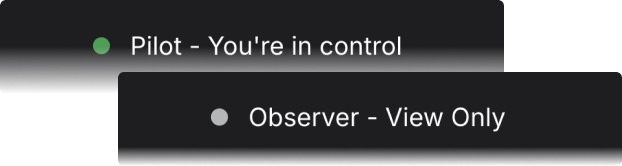
Assign Pilot for control and Observer for monitoring to prevent conflicts and keep collaboration safe and predictable.
Always up to date. Always free.
As long as you’re connected to Wi-Fi, Stellar keeps evolving with new features, improvements, and performance upgrades at no additional cost.
Download Updates
8.4MB/s
Adjust your design
If kinematics or actuator mapping change, simply update them in Stellar Designer—Motion Studio syncs all revisions automatically.
Build once. Move everywhere.